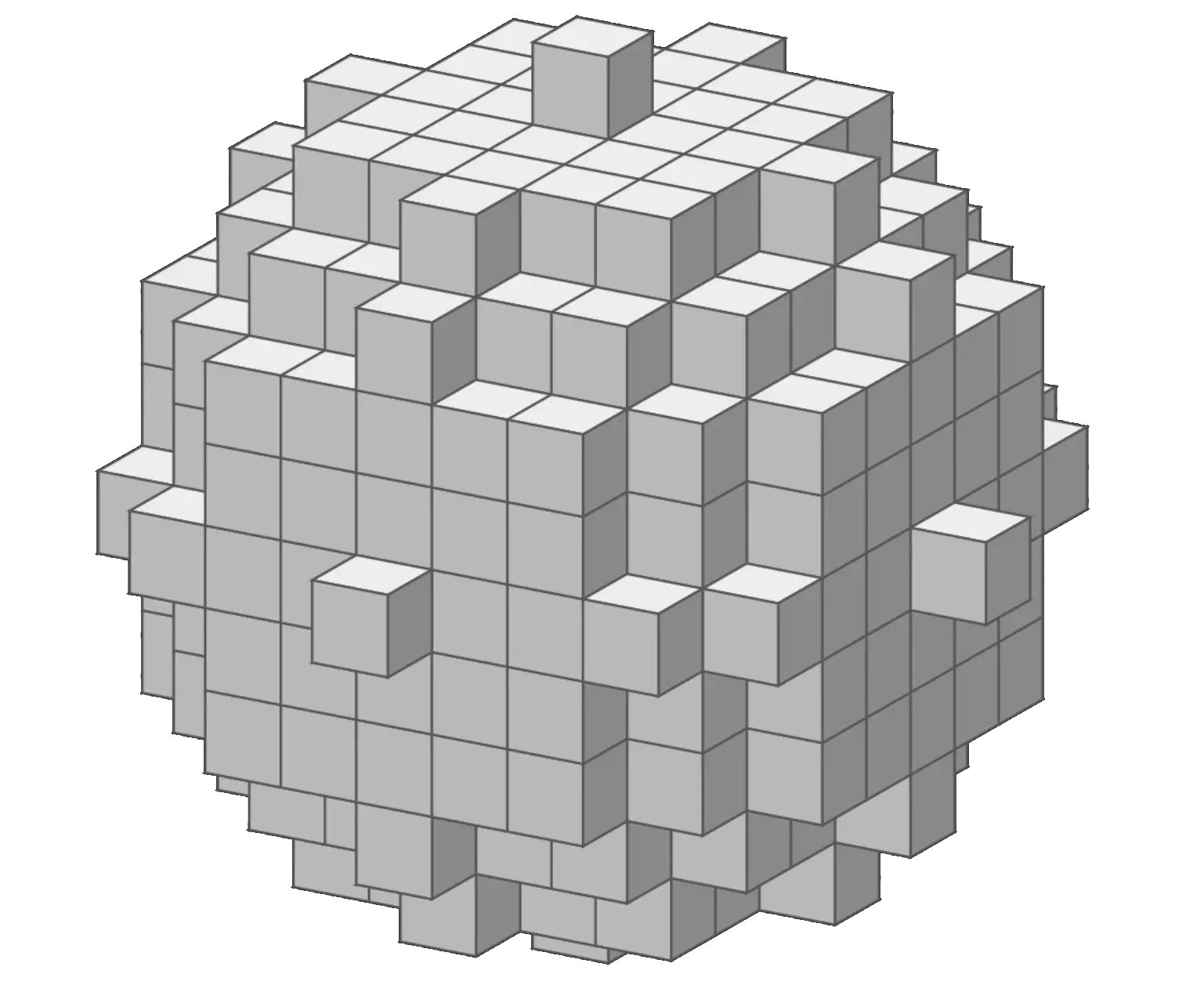
The most complete sphere maker for Minecraft, voxel-accurate, layer-by-layer blueprint with real-time 3D preview. Works for spheres, half-spheres, ellipsoids, hollow shells and pixel-perfect circles.
Odd diameters create a true single center block, the roundest, most symmetrical spheres. Click any card to open it pre-loaded in the generator.
The generator handles the maths, you handle the blocks.
Drag to rotate, scroll to zoom, auto-rotate for presentations. Face-culled renderer shows only visible block surfaces, so large spheres look clean and accurate at any angle.
Switch to 2D Layers mode and use the slider to step through every Y-level ring of the sphere. A ghost overlay of the previous layer keeps you oriented as you build upward.
Toggle solid fill for a completely solid sphere, or leave it off for a hollow shell with custom wall thickness, from 1 block thin to many blocks deep.
Set Width, Height, and Depth independently to stretch your sphere into an egg, oblate planet, or elongated capsule shape.
Odd-width spheres get a faint center-block highlight; even-width spheres get crossing lines, always positioned at the true geometric center.
Download a classic .schematic or modern .schem (Sponge v2) file, paste it directly with WorldEdit, and your sphere appears in-game in seconds.
Pinch to zoom, drag to rotate. Controls and exports are neatly tabbed on phones and tablets, build anywhere.
Your shape, block type, color, camera angle and layer position are saved to your browser automatically between visits.
From the generator to your first block placed, faster than you think.
Enter any size from 3 to 256 blocks. Odd numbers, 9, 11, 15, 21, 31, give a true center block and the roundest appearance.
Leave Solid unchecked for a hollow shell with adjustable wall thickness, or tick it for a filled solid orb.
Choose from the block library or enter a custom color. The 3D preview updates live as you change every setting.
Drag to rotate your sphere from any angle. Enable Auto-Rotate for a continuous 360° spin to check every surface.
Switch to 2D Layers and drag the slider to step through each horizontal ring from bottom to top. Ghost mode shows the previous layer as a faint guide.
Download a PNG blueprint, copy block coordinates, or export a .schematic / .schem file to paste with WorldEdit directly in-game.
Every block position in a Minecraft sphere is tested against the general sphere equation:
Where (a, b, c) is the center point and r is the radius. If a block's distance from the center satisfies this equation, or falls within it for filled spheres, it's included in the voxel sphere. That's why you get a pixel-perfect voxel sphere every time, regardless of diameter.
The generator normalizes voxels to grid positions and applies the equation at every candidate coordinate, making it a true voxel sphere generator and pixel sphere generator in one.
A sphere is the only 3D shape with a perfectly smooth surface and no corners.
A 21-block sphere has a radius of ~10.5 blocks and a circumference of ~66 blocks.
Odd diameters give a single true center block. Even diameters center between four blocks.
In geometry a half-sphere is a hemisphere. In building communities it's called a dome.
Shell blocks ≈ 4πr². Solid blocks ≈ (4/3)πr³. A hollow ⌀21 shell uses ~1,300 blocks.
Spheres are one of the most versatile shapes in Minecraft, here's what builders use them for.
Layer concentric spheres at different diameters and blocks, a stone core, dirt mantle, and grass surface for a realistic planet build.
A half-sphere in glass or tinted glass makes a beautiful greenhouse, biodome, or stadium roof that looks professional from the inside and outside.
Small glowstone, sea lantern or amethyst spheres suspended in mid-air make stunning magical floating light sources and decorative orbs.
A large hollow sphere makes a striking central hub connecting tunnels and pathways, far more impressive than a rectangular room.
Barrier-block or glass spheres wrapped around a structure create an iconic force-field or shield-bubble aesthetic for sci-fi or magic builds.
Leaf-block spheres and ellipsoids placed over a trunk make lush, natural-looking custom tree canopies and topiary bushes.
Everything builders ask about sphere generation, answered.
Open the generator, pick your size, and get a full 3D preview with a layer-by-layer build guide, instantly..